The Quick Answer
If you're in a hurry, here's the essential distinction:
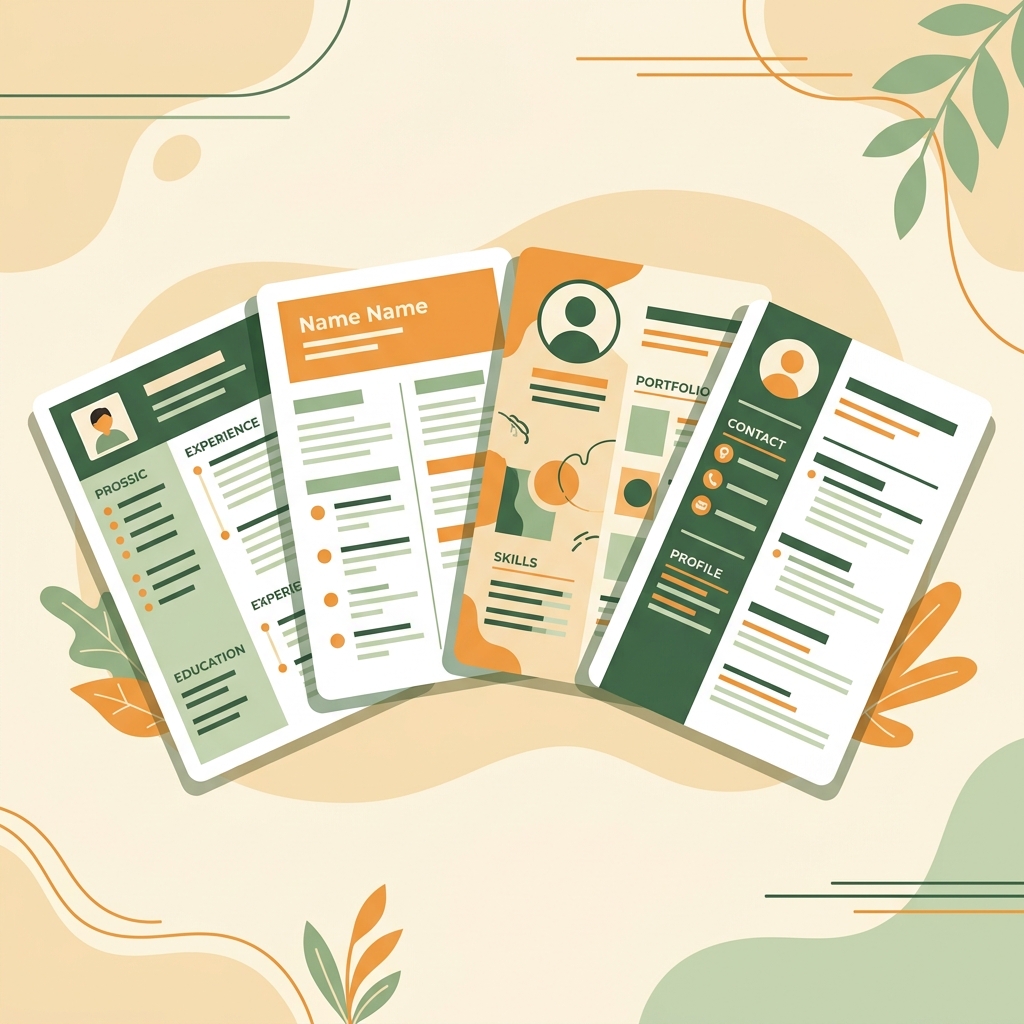
A CV (Curriculum Vitae) is a comprehensive document that covers your entire academic and professional history. A resume is a concise, 1–2 page summary tailored to a specific job. In the US and Canada, "resume" is the standard for most jobs. In the UK, Europe, and much of the world, "CV" is used for what Americans call a resume.
Now let's dive deeper into each document type, their structures, and when to use which.
What Is a CV (Curriculum Vitae)?
The term "curriculum vitae" is Latin for "course of life." A CV is a detailed, comprehensive document that presents your complete academic and professional history. Unlike a resume, a CV has no page limit and grows throughout your career.
A traditional academic CV typically includes:
- Full contact information
- Research interests and summary
- Education history (all degrees)
- Academic appointments and positions held
- Publications, papers, and presentations
- Research experience and grants received
- Teaching experience
- Awards, honors, and fellowships
- Professional memberships and affiliations
- References
According to Oxford University's Careers Service, an academic CV for a senior researcher can be 5–10+ pages long, documenting decades of scholarly contributions.
Global Note: In the UK, Ireland, Australia, New Zealand, and most of Europe, the term "CV" is used to describe what Americans call a "resume" — a short, job-tailored document. Context matters!
What Is a Resume?
A resume (from French résumé, meaning "summary") is a concise document — typically 1–2 pages — that summarizes your most relevant qualifications for a specific job. It's the standard application document in the United States and Canada for most industries.
A typical resume includes:
- Contact information
- Professional summary or objective
- Work experience (reverse chronological, with achievements)
- Education (relevant degrees only)
- Skills (technical and soft)
- Optional: certifications, projects, volunteer work
The key principle of a resume is relevance over completeness. You should tailor your resume for each job application, emphasizing the experience and skills most relevant to that specific role. Learn how in our complete CV writing guide.
Key Differences at a Glance
Here's a clear comparison of the two document types:
- Length: CV = no limit (2–10+ pages); Resume = 1–2 pages max
- Content: CV = comprehensive history; Resume = tailored highlights
- Purpose: CV = academic, research, medical; Resume = industry, business, tech
- Customization: CV = relatively static; Resume = customized per job
- Photos: CV = sometimes included (Europe); Resume = rarely included (US/UK)
- Personal info: CV = may include date of birth, nationality (in some countries); Resume = only professional contact info
Regional Preferences Worldwide
What employers expect depends heavily on where you're applying. Understanding these regional norms is critical for international job seekers:
🇺🇸 United States & 🇨🇦 Canada
Use a resume for virtually all jobs. A "CV" is reserved exclusively for academic, research, medical, or scientific positions. Most employers use ATS systems, so format accordingly.
🇬🇧 United Kingdom & 🇮🇪 Ireland
The term "CV" is used for what Americans call a resume — a concise, 1–2 page job application document. "Resume" is rarely used. The document should be kept brief and tailored. According to Prospects (UK graduate careers service), British CVs should be 2 pages maximum.
🇪🇺 European Union
"CV" is the universal term. Many EU countries follow the Europass CV format, which standardizes the structure for cross-border job applications. Photos are common on CVs in Germany, France, and Southern Europe but are less expected in Scandinavia.
🇦🇺 Australia & 🇳🇿 New Zealand
Both "CV" and "resume" are used interchangeably. A concise, 2–3 page document is typical. Referees (references) are often listed at the end.
🌍 Middle East, Asia & South America
Preferences vary widely. Many countries expect a "CV" that may include personal details like date of birth, nationality, marital status, and a photo. Always research the specific country's norms before applying. The U.S. Department of Labor maintains resources on international job search standards.
Build Your CV or Resume Now
CV Maker Pro works for both CVs and resumes. Choose your template, enter your info, and export in seconds.
Open CV Builder FreeWhen to Use a CV vs a Resume
Here's a simple decision framework:
Use a CV when:
- Applying for academic positions (professor, researcher, lecturer)
- Applying for medical or scientific roles
- Applying for grants, fellowships, or scholarships
- Applying in the UK, Europe, or Australia (where "CV" means a short resume)
- Your publications, research, or academic work is your primary selling point
Use a resume when:
- Applying for industry jobs in the US or Canada
- The employer specifically asks for a "resume"
- You need a concise, tailored document for a specific role
- Applying through ATS-driven job portals
Can You Use Both?
Absolutely! Many professionals maintain both:
- A comprehensive CV that documents everything (your "master" document)
- Multiple tailored resumes derived from that CV for specific job applications
This approach, recommended by The Balance Careers, ensures you never forget an accomplishment while still presenting focused, relevant content for each application.
With CV Maker Pro, you can create both documents using the same tool. Simply adjust the level of detail and choose a template that matches the formality level required.
Build Your CV or Resume
Now that you understand the differences, it's time to create your document. Here's how to get started:
- Open CV Maker Pro — it's 100% free, no signup needed
- Follow our step-by-step writing guide to fill in your content
- Choose the right template for your industry
- Optimize for ATS compatibility
- Export as PDF or Word and start applying
Need help using the builder? Check out our complete software guide with screenshots and step-by-step instructions.