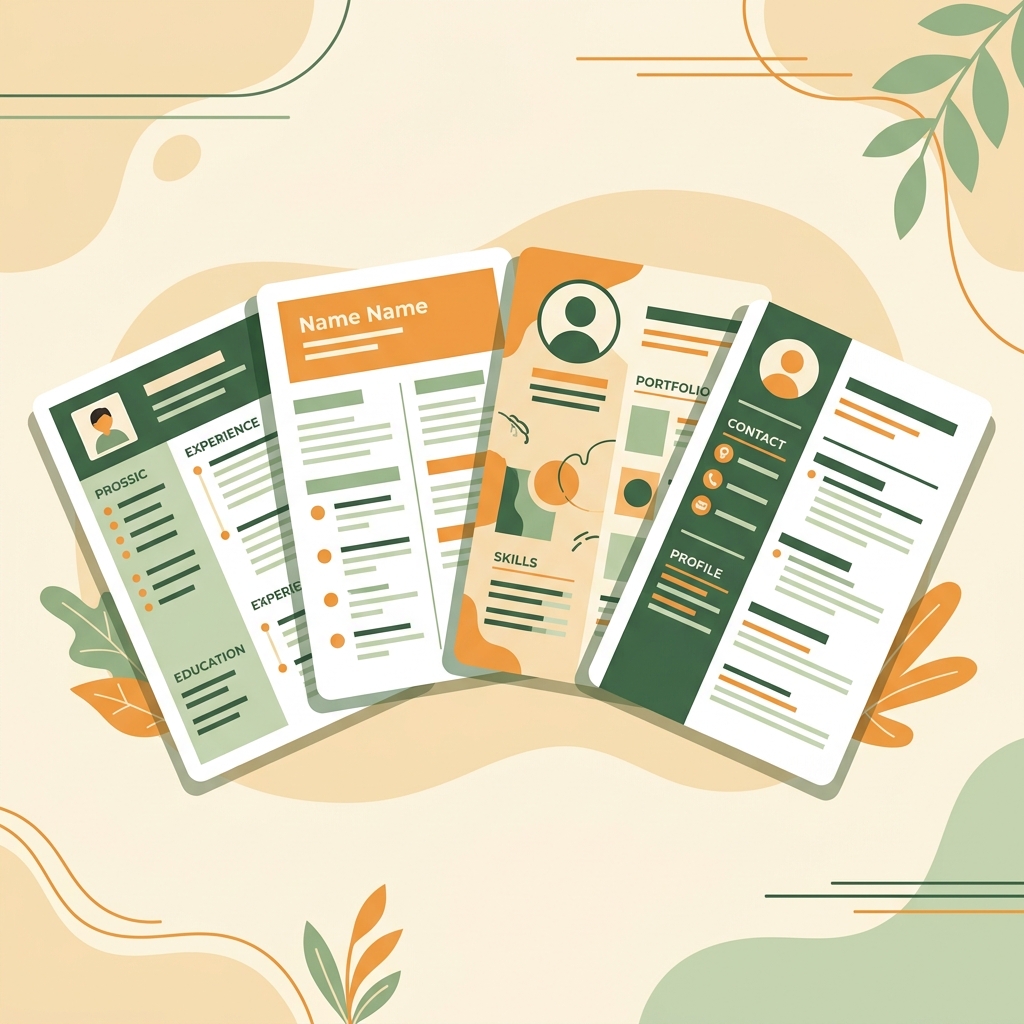
Why Your CV Template Matters
Your resume template is the first visual impression a hiring manager gets. Before they read a single word, the layout, spacing, and design of your CV communicates your professionalism and industry awareness.
A study by TheLadders found that recruiters spend just 7.4 seconds on an initial CV scan. A well-chosen template ensures those seconds count by guiding the reader's eye to your most important qualifications.
Choosing the wrong template can also hurt your chances with Applicant Tracking Systems (ATS). Some designs with complex layouts, graphics, or unusual formatting may cause parsing errors, meaning your resume never reaches a human reader.
The key is to match your template to your industry norms, career level, and personal brand. Let's explore CV Maker Pro's four designer templates and which careers they serve best.
Classic Template — Corporate & Executive
The Classic template is the most widely accepted CV design across industries. It features a traditional, single-column layout with clean typography and plenty of white space.
Best For:
- Corporate & Business — Fortune 500, consulting, operations
- Finance & Banking — Investment banking, accounting, financial analysis
- Legal — Law firms, compliance, paralegal positions
- Government & Public Sector — Federal agencies, state positions
- Senior Executive Roles — C-suite, VP, Director positions
The Classic template is also the safest choice for ATS compatibility. Its straightforward structure ensures every ATS can parse your content correctly.
Popularity: The Classic template is CV Maker Pro's most used design, chosen by over 45% of users. It's the safest default choice if you're unsure which template to pick.
Modern Template — Tech & Engineering
The Modern template brings a contemporary feel with clean lines, subtle color accents, and a layout optimized for showcasing technical skills and project work.
Best For:
- Software Engineering — Full stack, backend, frontend, DevOps
- Data Science & AI — Machine learning, analytics, research
- Product Management — Product owners, product designers
- IT & Infrastructure — System administrators, cloud engineers
- Startups — Any role at tech-forward companies
According to CareerBuilder, tech recruiters prefer clean, modern layouts that emphasize skills and project outcomes over traditional formatting. The Modern template delivers exactly that.
Professional Template — Finance, Law & Medical
The Professional template strikes the perfect balance between elegance and authority. It uses structured sections, subtle borders, and a refined color palette to convey credibility and expertise.
Best For:
- Healthcare & Medical — Doctors, nurses, pharmacists, medical researchers
- Management & Administration — Operations managers, project managers
- Education & Academia — Professors, researchers, administrators
- Real Estate & Insurance — Agents, brokers, analysts
- Mid-Level to Senior Professionals — 5–15 years of experience
If you're writing a longer curriculum vitae (CV) for academic or medical positions, the Professional template's structured layout handles multi-page documents beautifully.
Creative Template — Design, Marketing & Arts
The Creative template features a bold two-column layout with distinctive styling that helps creative professionals stand out from the competition.
Best For:
- Graphic & UI/UX Design — Visual designers, interaction designers
- Marketing & Advertising — Content marketers, brand strategists
- Media & Entertainment — Journalists, producers, writers
- Arts & Photography — Freelance artists, photographers
- Fashion & Retail — Buyers, visual merchandisers, stylists
According to The Muse, creative industries expect resumes that showcase visual sensibility. The Creative template lets you demonstrate design awareness while maintaining professional readability.
ATS Note: Two-column layouts can sometimes confuse older ATS systems. If you're applying through a large company's online portal, consider using the Classic or Modern template instead. For direct applications, portfolios, or smaller companies, the Creative template is excellent.
Quick Industry-Template Match Guide
Here's a quick reference to help you pick the right template:
- Tech / Software / Data Science → Modern
- Finance / Banking / Accounting → Classic
- Legal / Government → Classic
- Healthcare / Medical / Pharma → Professional
- Education / Academia → Professional
- Design / Marketing / Arts → Creative
- Engineering / Manufacturing → Modern
- Media / Journalism → Creative
- Consulting / Management → Professional
- Not Sure? → Classic (always a safe choice)
Try All 4 Templates Free
Switch between Classic, Modern, Professional, and Creative templates instantly. Your data is preserved — only the design changes.
Open CV Builder FreeSwitching Templates Without Losing Data
One of CV Maker Pro's best features is the ability to switch templates at any time without losing any of your entered data. This means you can:
- Fill in your resume content once
- Preview how it looks in each template
- Choose the design that works best for the specific job you're applying to
- Export as PDF or Word with one click
You might even use different templates for different applications — a Classic template for corporate roles and a Creative template for design agencies, all with the same base content.
Ready to explore? Visit our templates showcase to see all four designs, then start building your CV for free.